Scoped project access
Assign each portal user to selected projects/sites so they only see relevant site information.
Written by Nicola Dobbie, Founder, The Site BookLast reviewed
Business site portal
Business includes a site portal for assigned workers, subcontractors, visitors and other site participants. They can see their project/site details, files, generated documents and check-in status from the browser.
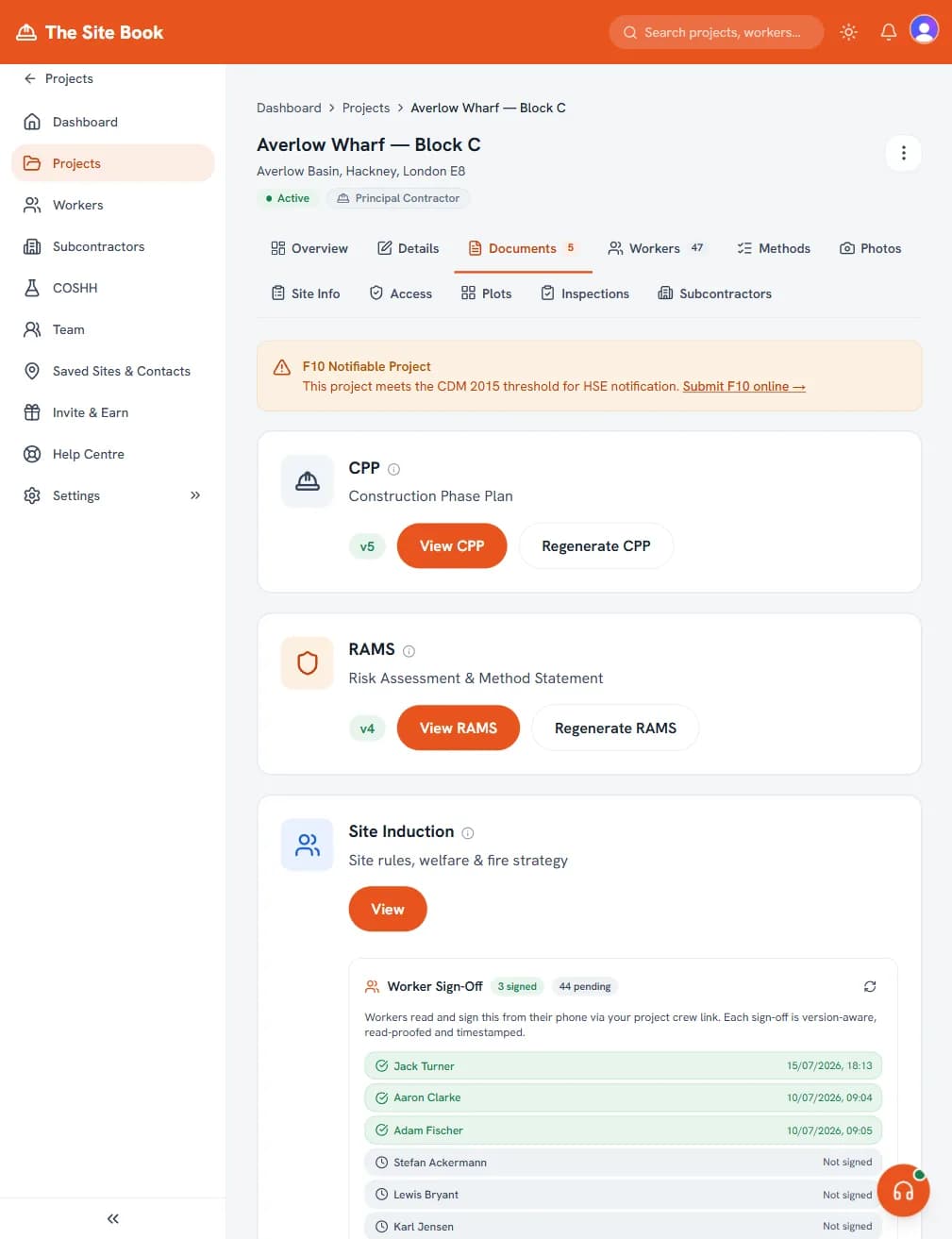
Assign each portal user to selected projects/sites so they only see relevant site information.
Use worker, subcontractor, visitor, delivery, client, consultant, inspector or other labels.
Show rules, welfare, emergency arrangements, principal contractor details and project documents.
Share drawings, H&S documents, RAMS, CPPs, procedures and update links from one project context.
Running live sites with subcontractors? Site Control is the per-site enterprise tier above Business — entrance QR sign-in, CSCS checks, induction gating, live attendance and audit-grade exports. From £675/site per month, plus £5,000 setup.
No. Business includes up to 10 internal team logins for office or management users, plus up to 50 active site portal users. Portal users are designed for workers, subcontractors, visitors and other people who need controlled access to site information without account settings or billing access.
It is account-wide across active project assignments, not 50 users per project. A worker added to a project gets a portal identity and counts while they have active access, including when they only need a document-signing link. Document signing itself has no per-signature charge.
Deactivate a person who no longer needs live access to free a slot; this does not delete their identity or recorded sign-off and attendance history. If more than 50 people need access at the same time, contact The Site Book to discuss raising the account limit. There is no published per-user add-on price.
No. The portal is part of the main web product and runs in the browser. Magic links or QR-style access can keep site access low-friction, while logged-in users are routed according to whether they are internal team members or portal users.
A portal user only sees the projects/sites they are assigned to, including site details, site files, procedures, generated documents and check-in/check-out. They cannot access billing, account settings, unrelated projects or admin routes.
Compared against the competition
Best Construction Site Access Software UK (2026)
Construction site-access products differ across physical access, attendance and compliance.
See comparison →
Best Contractor Site Portal Software UK
The Site Book is the best contractor site portal fit for small UK builders who need workers, subcontractors, visitors, and site participants to access assigned H&S information, attendance and files without becoming internal team seats.
See comparison →
Site Book Site Control vs SiteConnect
SiteConnect lists UK RAMS, CPP, COSHH, inductions and attendance, priced by Managed Worker count with unlimited subcontractor companies.
See comparison →