Construction site diary template: free download and a completed example
Download a free construction site diary in Excel and PDF. See a completed example and learn how to record progress, deliveries, changes and follow-up actions.
12 min read

TL;DR
Download a free construction site diary in Excel and PDF. See a completed example and learn how to record progress, deliveries, changes and follow-up actions.
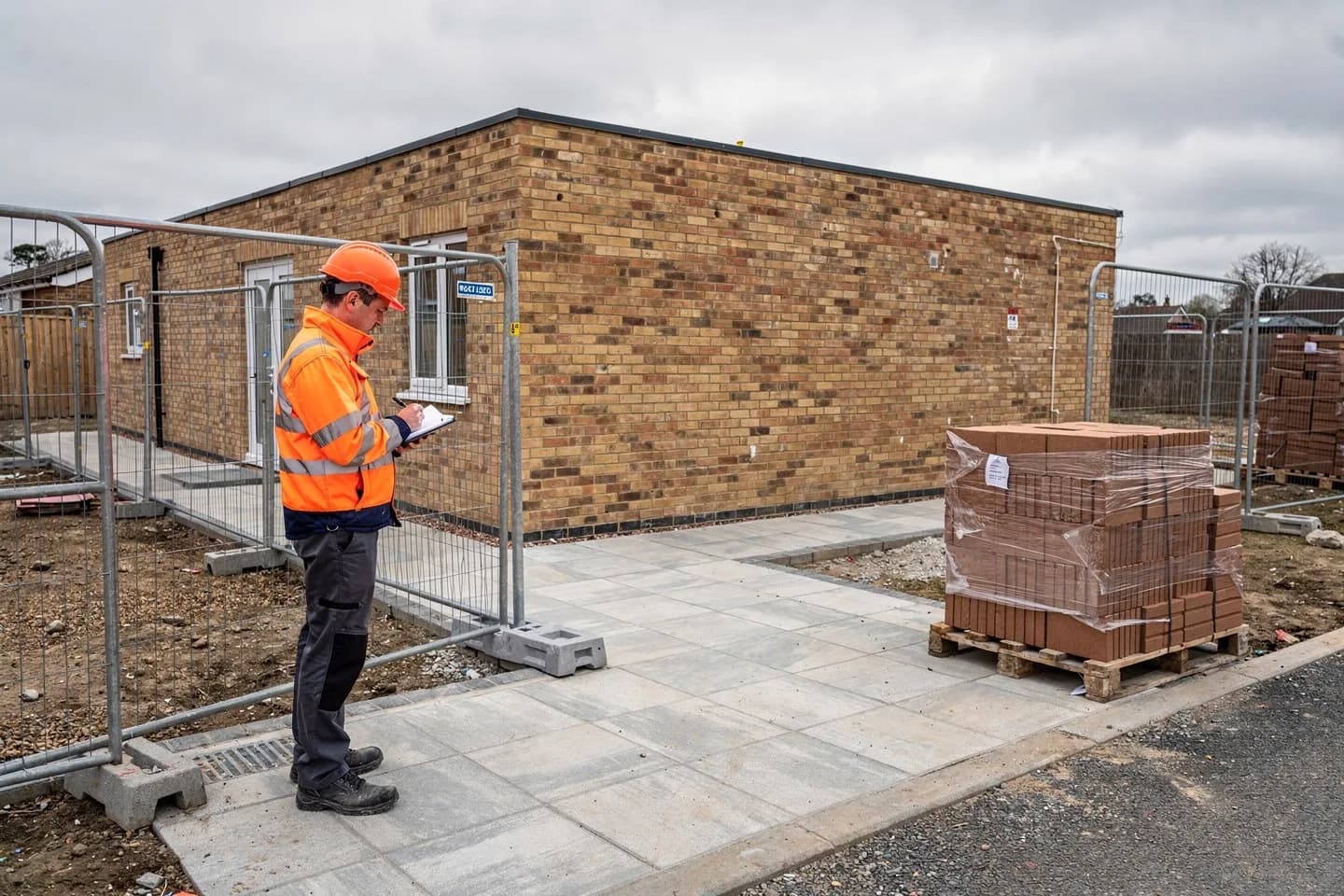
A useful site diary records what happened, where it happened and what needs doing next. It should help you reconstruct a working day without relying on someone's memory or searching through several message threads.
It does not need to be a novel. It needs enough detail to distinguish a fact from an assumption, connect the event to the relevant documents and leave a clear handover for the next person.
This guide includes a free construction site diary template in Excel, a printable PDF and a completed example for a small refurbishment. It also explains how to record delays, instructions, inspections and corrections without pretending the diary replaces every other project record.
Scope: The examples are written for small and medium-sized construction contractors. References to HSE and CDM concern Great Britain. Adapt the template to the project, contract and applicable requirements before use.
Download the free site diary template
Download the editable construction site diary workbook (Excel).
Download the printable daily site diary (PDF).
The Excel workbook contains Read me, Blank day, Worked example and Action log sheets. The daily form covers the project, workforce, weather, progress, deliveries, instructions, checks, issues and handover. The action log adds owners, due dates, status and a date-based follow-up flag.
Use the blank form for live work. The completed example contains fictional people, events and references, and is clearly labelled so it cannot be mistaken for a real project record.
Keep one completed daily form per day using a new copy or duplicated sheet. Do not erase Monday's entries to make room for Tuesday. The action log can stay with the project as a continuing list.
What is a construction site diary?
A construction site diary is a dated record of the day's activity and significant events. It can be maintained in a notebook, spreadsheet or dedicated system. The format matters less than whether the record is clear, timely and retrievable.
For a small contractor, it should let someone answer a handful of practical questions: what work was planned, what actually happened, who was there, what changed and what remains unresolved?
Do not confuse the diary with the whole project file. HSE identifies separate requirements for records such as relevant inspection reports, notifications and incident reporting. Those need to be handled through their appropriate processes; a diary reference can help you locate them. HSE: construction administration.
Keep worker qualification and evidence checks in a separate record too. Our construction training matrix template helps organise those checks without copying private training details into a daily report.
Think of the diary as the day's narrative and an index to the supporting evidence. A note saying “inspection report INSP-014 filed” connects the activity to a record. A note saying “all checked” tells the next reader very little.
What should a daily site diary include?
The following is a suggested structure, not a statutory form or a list of fields that every contract requires.
Identity and authorship
What to record: Project, address or site reference, date, entry reference and author.
Make it useful by adding: The time the entry was made, particularly when recording something after the event.
Working conditions
What to record: Weather or site conditions relevant to the work.
Make it useful by adding: The activity and location affected, not just “bad weather”.
People and plant
What to record: Companies, trades, numbers, relevant visitors and equipment.
Make it useful by adding: References to attendance or plant records rather than unnecessary duplicate personal data.
Work planned and completed
What to record: Areas, tasks, progress and anything left incomplete.
Make it useful by adding: Drawing, specification or work-package references where useful.
Deliveries
What to record: What arrived, when, the condition and any discrepancy.
Make it useful by adding: Delivery note and photo references, plus the person handling the issue.
Instructions and changes
What to record: What was requested, by whom, when and through which channel.
Make it useful by adding: Whether it was confirmed, authorised or still awaiting a decision.
Checks and briefings
What to record: Inspections, briefings or reviews that took place.
Make it useful by adding: The separate report, document version or briefing record.
Problems and delays
What to record: The event, affected task, actual period and action taken.
Make it useful by adding: Evidence and an honest distinction between known facts and possible consequences.
Follow-up and handover
What to record: Actions, owners, due dates and conditions for the next activity.
Make it useful by adding: A clear distinction between “action raised” and “action closed”.
A blank field is ambiguous. Where the subject has been considered and there is nothing to record, use a precise note such as “No deliveries received today”. Do not use “none” to hide an unchecked section.
A completed site diary example
The following is a fictional example for an occupied-home kitchen refurbishment. The people, companies, timings and references are illustrative, not a record of a real job.
Daily record
Project
Example entry: Example Kitchen Refurbishment, project EX-024
Date and entry
Example entry: 15 October 2026, diary EX-024-D015
Prepared by
Example entry: Alex Reed, example site supervisor. Entry completed at 16:45.
Conditions
Example entry: Rain from approximately 08:00 to 10:30. Internal work continued. The agreed delivery route was checked before the delivery arrived. No measured rainfall figure recorded.
Workforce and visitors
Example entry: Two joiners from Example Build Ltd and one plumber from Example Services Ltd. Client visited at 14:20. Attendance recorded separately under ATT-015.
Planned work
Example entry: Fit base units in the agreed kitchen layout and complete the planned plumbing preparation.
Work completed
Example entry: Base units K01 to K04 fitted. K05 not fitted because the unit delivered was damaged. Plumbing preparation completed to the point described in work record PL-015; remaining connections are a later activity.
Delivery issue
Example entry: Delivery expected at 09:00 arrived at 10:20. Unit K05 packaging and front edge damaged. Recorded on delivery note DN-318; photos EX-024-015-01 and 02. Supplier contacted at 10:35.
Immediate effect
Example entry: Two joiners completed other planned preparation from 09:00 to 10:20. Do not record that period as 160 minutes of lost labour: they were working on another task. K05 installation remains incomplete.
Instruction request
Example entry: At 14:20 the client asked about moving the sink position. Request noted as CR-003. No change made; design, cost, programme and work-method implications await review.
Briefing
Example entry: Supervisor briefed the team at 07:45 on the current access arrangements and the day's work. Briefing record BR-015 references CPP revision 2.
Follow-up
Example entry: Office manager to confirm K05 replacement by 12:00 on 16 October. Project manager to review CR-003 before any related change to the work.
Handover
Example entry: K05 remains outstanding. Maintain the agreed separation between work areas and residents' areas. Next supervisor to check the supplier response and CR-003 status.
Notice what the example does not say. It does not claim that a delivery delay automatically entitled the contractor to more money. It does not record the client's request as an approved change. It does not invent a technical inspection simply to fill a box.
The distinction between an instruction request and an authorised change is especially important. The diary should preserve the actual position, including an unresolved decision.
How to write entries that another person can use
Describe the event before the opinion
“Supplier useless again” is an opinion. “Delivery due 09:00, arrived 10:20; supplier notified at 10:35; damaged unit left uninstalled” is a record someone can investigate.
Use straightforward language and identify the affected part of the job. Write “ground-floor kitchen, unit K05” rather than “that unit near the door”. A photo reference should lead to an identifiable image, not someone's personal camera roll.
Where information comes from someone else, attribute it. “Plumber reported completion of preparation at 15:10; see PL-015” is different from claiming that the diary author inspected and accepted all the work.
Separate observation, instruction and decision
These can happen in quick succession, but they are not the same thing.
An observation might be that a component is damaged. An instruction might be to leave it uninstalled pending review. A later decision might be that a replacement is required. Preserve that sequence instead of writing the final outcome as though it was known from the start.
Where a decision has not been made, say so and assign the next step. “Awaiting review by project manager” is more useful than an empty box or an assumption that silence means approval.
Record the time the entry was made
Writing notes as events happen is a sensible working habit. If you add information later, show both the event date and the entry date, and explain the source.
For example: “Added at 08:30 on 16 October following receipt of supplier email at 17:20 on 15 October.” That is more transparent than silently inserting the information into the earlier entry.
The same principle applies to corrections. Preserve what changed, who corrected it and why. A spreadsheet can support this through versioned files and an explicit correction note, but the blank template does not create an immutable history for you.
How to record a construction delay
Start with the affected activity and the actual event. Then record the evidence, duration where known, alternative work carried out and the immediate next step.
For our fictional kitchen project, the late delivery did not mean everyone stopped working. The diary records that the joiners moved to other planned preparation. The damaged unit was a separate issue that prevented one item from being fitted.
Avoid automatically multiplying the number of workers by the delivery delay and calling the result “lost hours”. Record actual working and waiting periods accurately and keep any cost or time calculation separate, with its assumptions stated.
Also separate an observed delay from an assessment of its impact on completion. “K05 installation outstanding” is established in the example. “The whole project is delayed by two days” needs further analysis of the programme and remaining work.
Do not rely on the diary alone to serve contractual notices or authorise variations. Check the agreed contract's requirements for the recipient, method, timing and content of any communication. When entitlement or a dispute is involved, obtain advice from the person administering the contract or a suitably qualified adviser.
The diary can preserve supporting facts. It is not a promise that those facts establish an entitlement.
How to record inspections, safety issues and briefings
Reference the specific record and its outcome rather than using a general phrase such as “site safe”. For an inspection, identify who completed it, what was inspected, the report reference and any actions that remain open. Our site inspection record guide shows what a general walkaround record should capture.
A general diary entry does not replace the relevant statutory inspection report or incident-reporting process. HSE's administration guidance distinguishes these types of construction records and the need to keep them in order. HSE: required construction records.
For a briefing, record the subject and the document version it related to. Keep the participant and acknowledgement record where your process requires it. Our guide to what should be covered in a site induction explains the content of a site-specific introduction; the diary can point to that record rather than duplicate it.
Where a problem changes the planned method or arrangements, review the affected documents rather than leaving the change buried in a daily entry. HSE expects the construction phase plan to be reviewed and developed as the project progresses. HSE: planning construction work.
For that wider sequence, read what happens after RAMS are generated.
Using the action log without losing the original record
The action log in the workbook is a suggested follow-up tool. Give each action a reference, clear description, owner and due date. Link it to the daily entry or supporting file.
Its status dropdown contains Open, In progress and Closed. The calculated timing column highlights an overdue date, a date due today, or missing details. A closed action needs a closure date; the sheet does not infer that evidence has been checked simply because someone selected “Closed”.
Update the action log as work progresses, but retain the earlier diary entry. The original entry records the situation at that time. The action log records what has happened since.
For a closure, write the evidence: “Replacement received and checked against DN-329 on 18 October” is more useful than “sorted”. The template provides a separate field for that reference.
At handover, review the open actions with the incoming supervisor. Do not assume that adding someone to a spreadsheet is the same as telling them they own an action.
Photos, personal information and record storage
Use a consistent photo reference linked to the project and date. Record what the image shows and where it was taken. Keep the original file where appropriate rather than relying solely on an image pasted into a spreadsheet.
Be selective about personal information. A general site diary does not need a worker's date of birth, home address or detailed medical history. Keep sensitive incident or employment information in the appropriate restricted record. The ICO requires personal information to be adequate, relevant and limited to what is necessary. ICO: data minimisation.
Agree the company storage location and access arrangements before the project starts. A diary on one person's phone is awkward to retrieve when they leave, lose the device or are absent. A practical folder could contain daily entries, photos, delivery records, instruction records and formal notices, with consistent references between them.
Set a retention approach appropriate to the records, contract, insurance and legal requirements. There is not one sensible blanket period for every item in every project file. For personal information, retention must be justified by the purpose and relevant obligations rather than “we keep everything forever”. ICO: storage limitation.
A practical five-minute handover check
This is a suggested routine, not a claim about how long every daily record will take.
Before finishing the entry, check that the day's completed and incomplete work is clear, significant events have references, and actions have owners. Then ask: could someone who was not there understand what they must check before the next activity starts?
If the answer is no, add the missing fact or decision. Do not fill the gap with an assumption.
When a change affects displayed information, update the current notice as well as the records. Our construction site notice board checklist covers contacts, access information and keeping the display consistent with the actual site.
Common questions
Is a site diary the same as a daily report?
People use the terms differently. A daily report may be the version sent to a client or manager, while the diary is the underlying working record. Agree what each means on your project, who receives it and how confidential information is handled.
Is the diary a timesheet or a sign-in record?
No. A workforce summary can explain the day's activity, but it does not necessarily record attendance, breaks or payable hours. Keep payroll and attendance records fit for their own purposes. Our article on site attendance and team logins explains The Site Book's attendance workflow separately.
Can a notebook or Excel file be enough?
Yes, for a process that you can manage reliably in that format. Use consistent entries, controlled storage, a clear correction process and separate supporting records. A tool is not a substitute for the person recording the facts.
Should I record a day when no work happened?
Where it helps maintain a clear project record, note that no work occurred and state the known reason. A planned non-working day, an access problem and a weather-related suspension are different situations. Follow any reporting requirements in your project arrangements.
When a spreadsheet is enough, and when a connected system helps
Use the free workbook for your own projects. It is intended to be useful without a subscription.
The limitation is the administration around it: filing photos, collecting contributions, keeping versions and joining the daily record to the documents and actions behind it.
The Site Book's Site Diary supports daily records and photos linked to the project, and live entries appear in the Audit Pack. The published export includes up to the latest 500 live diary entries on longer projects. It is not an immutable record: editing and deletion permissions differ by role, so set your operating process accordingly. See the current site-management features and limits.
Whether you use paper, Excel or The Site Book, the aim is the same: a factual record another person can follow, with the unfinished work still visible.
Create the first job pack free
Start with one real job: RAMS, CPP, site induction and sign-off evidence. No card required. Review everything before you use it.
Create my free job pack →